Allergen Information on a Restaurant Menu: the 14 You Have to Declare
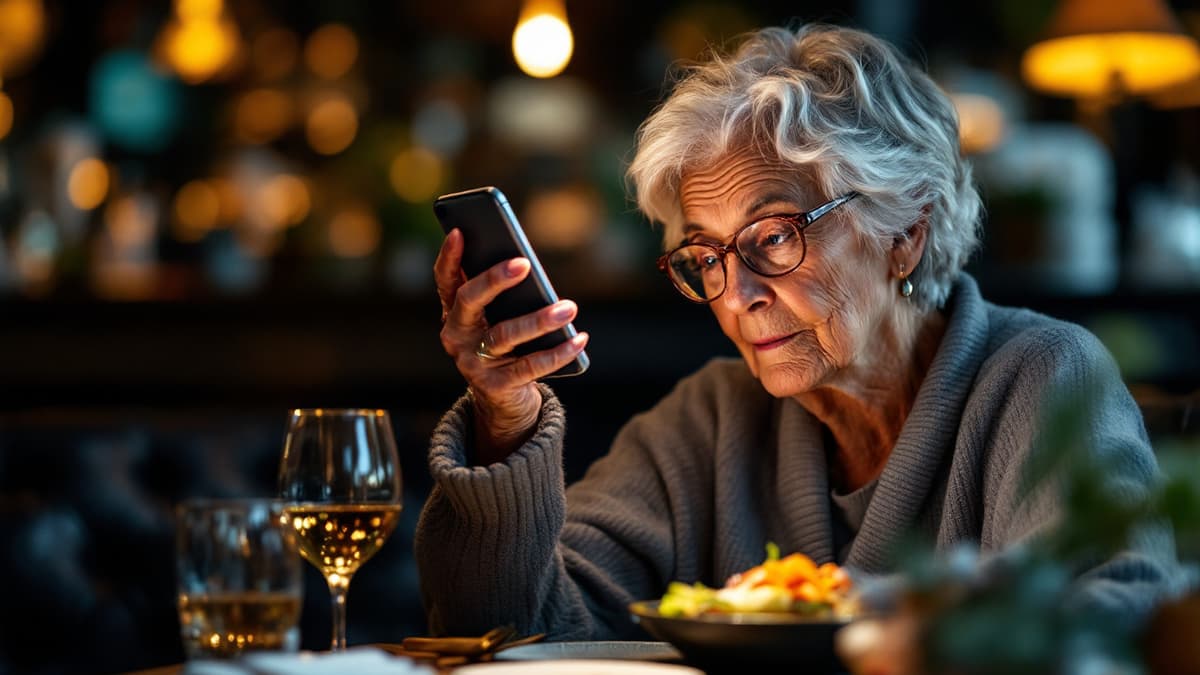
Allergen information is the one part of your menu that is not a marketing decision. In the EU it is a legal duty, and unlike photography or wording, getting it wrong has consequences that arrive by ambulance rather than by review. This guide covers what the rules actually ask of a restaurant, why paper and PDF menus handle it so poorly, and what changes when the information lives in a digital menu instead.
What the law actually asks for
The rule everyone means when they say "the allergen law" is Regulation (EU) No 1169/2011 on food information to consumers. Annex II of that regulation lists 14 substances that have to be declared. The list is closed: it is not fourteen examples, it is the fourteen.
For food sold prepacked, the declaration goes on the label. Restaurants sell food that is not prepacked, and that case falls under Article 44, which lets each member state decide how the information reaches the guest. Spain did that in Real Decreto 126/2015. Other countries wrote their own. What does not vary across the EU is the substance of the duty: the information must exist, it must be accurate, and the guest must be able to get it before deciding what to order.
That last point is where most restaurants quietly fail. A binder behind the bar satisfies "available on request" in several jurisdictions, but only if a visible notice tells the guest the binder exists. A guest who never learns to ask has not been informed.
Confirm the specifics with your local food safety authority. Implementation differs by country, and this is a guide to the shape of the obligation, not legal advice.
The fourteen
- Cereals containing gluten
- Crustaceans
- Eggs
- Fish
- Peanuts
- Soybeans
- Milk
- Tree nuts
- Celery
- Mustard
- Sesame
- Sulphur dioxide and sulphites
- Lupin
- Molluscs
Two of these catch kitchens out more than the rest. Sulphites are declarable above 10 mg/kg, which puts most wines by the glass and a great many dried fruits and pickled items in scope, and a lot of menus never mention them. Celery hides in stock, and stock hides in almost everything: if you build a sauce on a bought vegetable base, read its label before deciding the dish is celery-free.
Peanuts and tree nuts are separate entries for a reason, and merging them into one line is an error rather than a simplification. A peanut is a legume. Someone allergic to almonds may eat peanuts safely, and the reverse happens too.
Why paper menus are bad at this
Nothing about the fourteen is difficult. What is difficult is keeping the declaration true on a surface that cannot be edited.
A printed menu freezes your allergen data at the moment it went to the printer. Then the supplier of your bread changes. Then the chef swaps sunflower oil for one that shares a production line with sesame. Then a dish returns for the season with a slightly different recipe. Every one of those is a reprint if the card is to stay honest, and reprints cost money, so in practice the card stays wrong until the next redesign.
The PDF menu, which is what most restaurants mean by "QR menu", inherits that defect and adds one of its own. It is a picture of a document. A guest with low vision cannot enlarge it usefully, a guest who reads Polish gets Spanish, and nobody can filter it. The allergen column, if there is one, is a grid of asterisks at six-point type on a phone screen.
Then there is the multilingual problem, which on a coast like ours is not an edge case. If your guests arrive in eight languages and your allergen information exists in one, seven groups of people are relying on a waiter's second language for a medical decision.
What changes with a digital menu
Three things, in order of how much they matter.
The data becomes editable where it is wrong. Allergen tags attach to the dish, not to the page. Change the dish and every surface showing it is correct on the next page load: every table, every language, the printed code on the terrace. No reprint, no version drift, no "the old cards are still on tables 4 to 9".
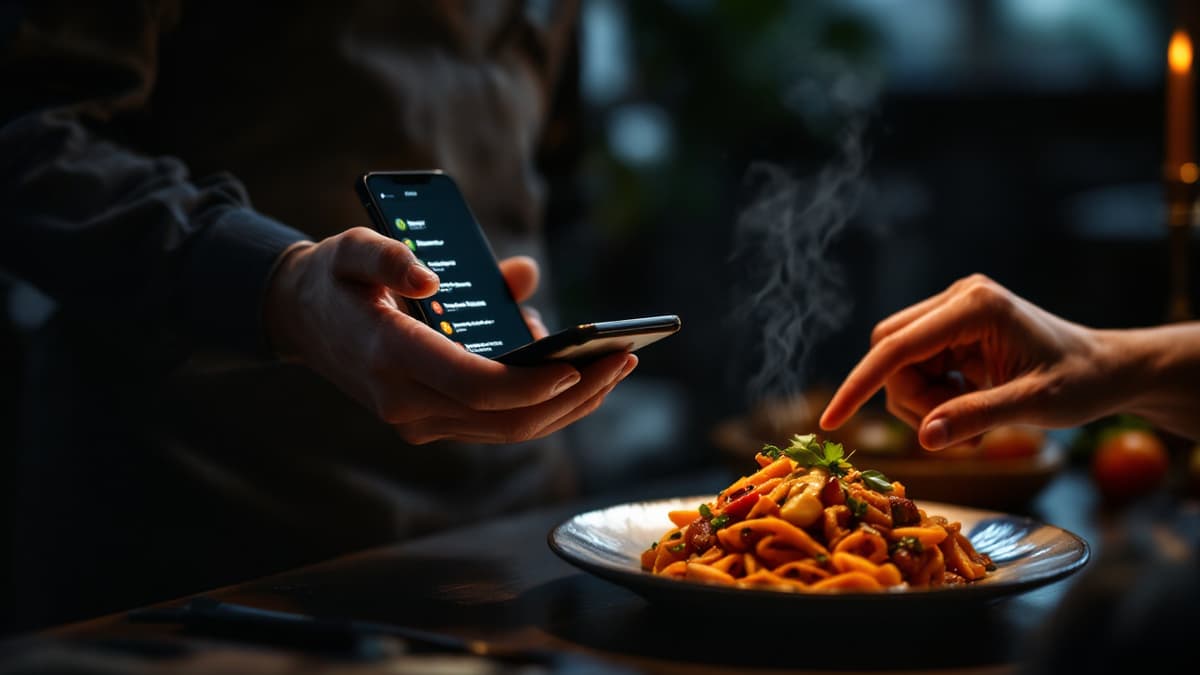
The guest can filter instead of read. This is the difference between compliance and usefulness. A guest allergic to shellfish does not want to audit thirty dishes; they want to see the twelve they can eat. On a phone that is one tap, and it removes a conversation neither side enjoys having in front of the whole table.
The information stops depending on the waiter's vocabulary. Which brings us to the part worth being careful about.
The translation trap
Here is a failure mode specific to modern menus, and it is worth understanding before you pick any tool.
Menus are increasingly translated by machine, and for dish names and descriptions that is fine. The worst case is an awkward phrase. Allergen names are not like that. "Frutos secos", "tree nuts" and "Schalenfruechte" are not creative text; they are terms with legal definitions attached. A translation engine that renders one of them loosely has produced a menu that is confidently, fluently wrong about something that puts people in hospital.
The right architecture treats allergen vocabulary as product data, not as content. In Disho the fourteen names are stored as a fixed vocabulary in all twelve menu languages, and they never pass through the translator. The automatic translation that fills in a dish name when you save it handles exactly that: dish names, descriptions, section names. A dish stores its allergens as identifiers, and each guest's language renders those identifiers from the fixed list.
The practical consequence is that adding a language cannot corrupt your allergen data, because the two systems never touch.
When you evaluate any menu tool, this is the question to ask: are allergen labels translated, or are they looked up? If they go through the same pipeline as the marketing copy, you have inherited a risk that is invisible from the admin panel.
There is a second thing to check, and it is subtler. Ask what the menu shows for a dish where nobody has entered allergen data yet. The correct answer is "not declared, ask us". A system that renders an empty field as a clean, allergen-free dish is telling an allergic guest something nobody ever asserted. Blank is not the same as none, and a menu that conflates them is worse than a paper card, because it looks authoritative.
Setting it up without a week of data entry
The realistic path is not to sit down and tag two hundred dishes.
Start with the dishes that carry the fourteen most often: anything from a shared fryer, anything with a sauce built on stock, all baked goods, and the entire wine list for sulphites. That is usually a third of the menu and covers most of the real risk.
Tag the rest as you go. Allergens live on the dish, so a new dish gets tagged when it is created rather than in a separate compliance project, and the menu is never in a half-migrated state: dishes you have tagged show their tags, dishes you have not show that they are not yet declared.
Then put the notice where the law wants it. A line at the top of the menu saying allergen information appears on each dish, plus staff who know it is there, is the part that turns data into compliance.
What a digital menu does not fix
It does not fix your kitchen.
A tag says a dish contains no listed allergen as an ingredient. It says nothing about a shared fryer, a shared board, or flour in the air. Cross-contamination is a process problem, and the only honest way to handle it is a standing line on the menu saying you cannot guarantee an allergen-free preparation, plus staff trained to escalate rather than reassure.
It also does not fix wrong data. The tool makes the declaration easy to change and easy to read in twelve languages; it cannot know what went into the sauce. That part is still someone in your kitchen reading a supplier label, and no software replaces it.
Frequently asked questions
Is allergen information on a QR menu legally sufficient? In most EU implementations yes, provided the guest can reach it before ordering and a visible notice says where it is. The regulation cares about availability and accuracy, not about paper. What is not sufficient is a QR code opening a PDF nobody can read on a phone, because information a guest cannot practically obtain has not been provided. Check your national implementation for the specifics.
Do we still need the allergen binder behind the bar? Keep it. It costs nothing, it covers the guest with no phone or no battery, and in several countries a written record for staff is expected regardless of what the guest sees. The digital menu replaces the binder as the guest's route to the information, not as your internal record.
What happens when we add a language later? Nothing happens to your allergen data. The fourteen names already exist in all twelve languages as fixed product vocabulary, so switching on Polish gives Polish guests correct allergen terms immediately, with nobody reviewing a translation. Only your own dish names and descriptions get translated.
How do we handle a dish whose recipe changes weekly? Declare what it can contain rather than what today's version does, and say so in the description. A dish that sometimes carries a nut garnish should be declared as containing nuts. Under-declaring to keep the menu tidy is the failure mode that hurts someone.
Can guests filter the whole menu by an allergen? Yes, and it is the feature allergic guests use most. They pick what they react to and the menu narrows to what is safe for them, in their own language, without a conversation at the table.
Build your QR video menu in minutes
Try Disho free during the beta, no card required.
Get started free