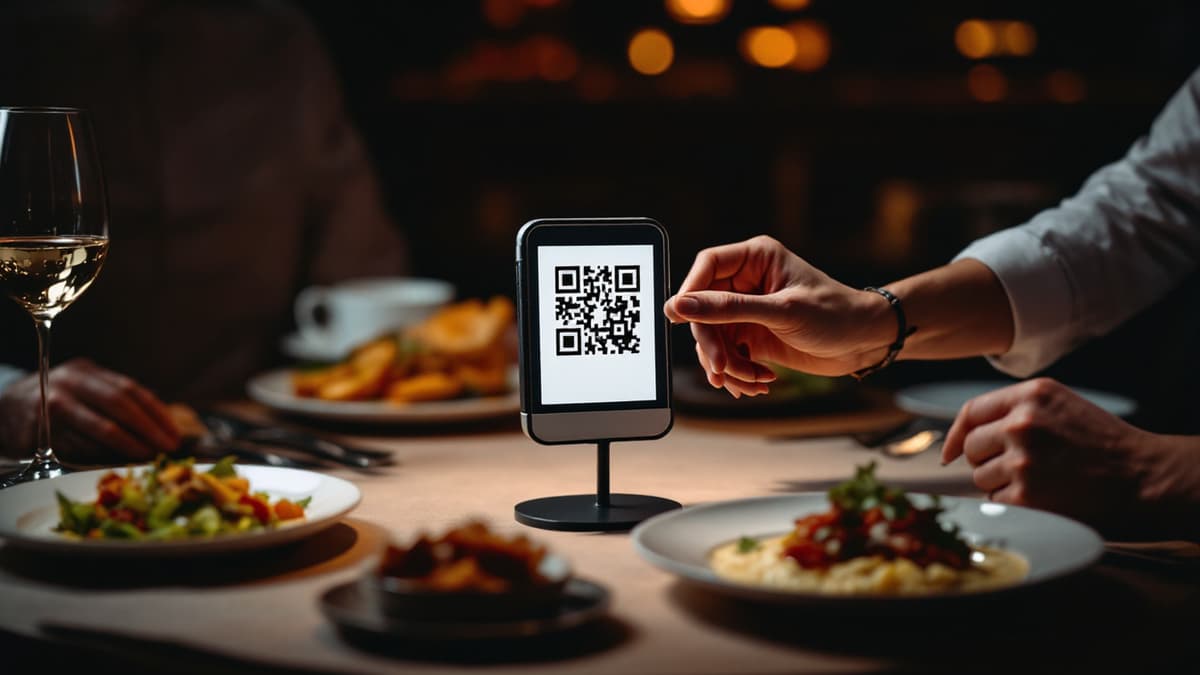
Restaurant Menu with Photos and Video: Why It Sells More
A text-only menu asks the guest to gamble. "Braised lamb shank with root vegetables" could be a generous plate or a sad puck, so the guest orders the safe thing they've had before. A menu with photos and video removes the gamble: the dish appears exactly as it will arrive, at real size, with real texture. Guests order more confidently, try more expensive dishes, and complain less, because expectation and reality finally match. Grubhub's research found that restaurants with photos and complete menu information receive up to 70% more orders and up to 65% higher sales than text-only listings. Here's how to get that lift without hiring a production crew.
Why do visuals sell more food?
Appetite is visual before it's anything else. Seeing food triggers a physical craving response that a written description never will. That's why food content dominates TikTok and Instagram, and why a guest who watches steam rise off a ramen bowl is halfway to ordering it. On a menu, visuals do three jobs at once:
- They de-risk the order. The number one reason guests skip an unfamiliar or premium dish is uncertainty. A photo answers "what am I actually getting?" before the doubt forms.
- They sell the margin. A €24 signature dish described in text competes with a €12 burger on equal terms. Shown in video, it doesn't: the visual dish wins attention, and attention converts to orders.
- They replace missing sales skill. Your best waiter upsells with vivid descriptions. On a busy Friday, nobody has time for that. The video does the tableside selling for every guest, every time, in every language your QR menu supports.
Photo or video: which one actually lifts the ticket?
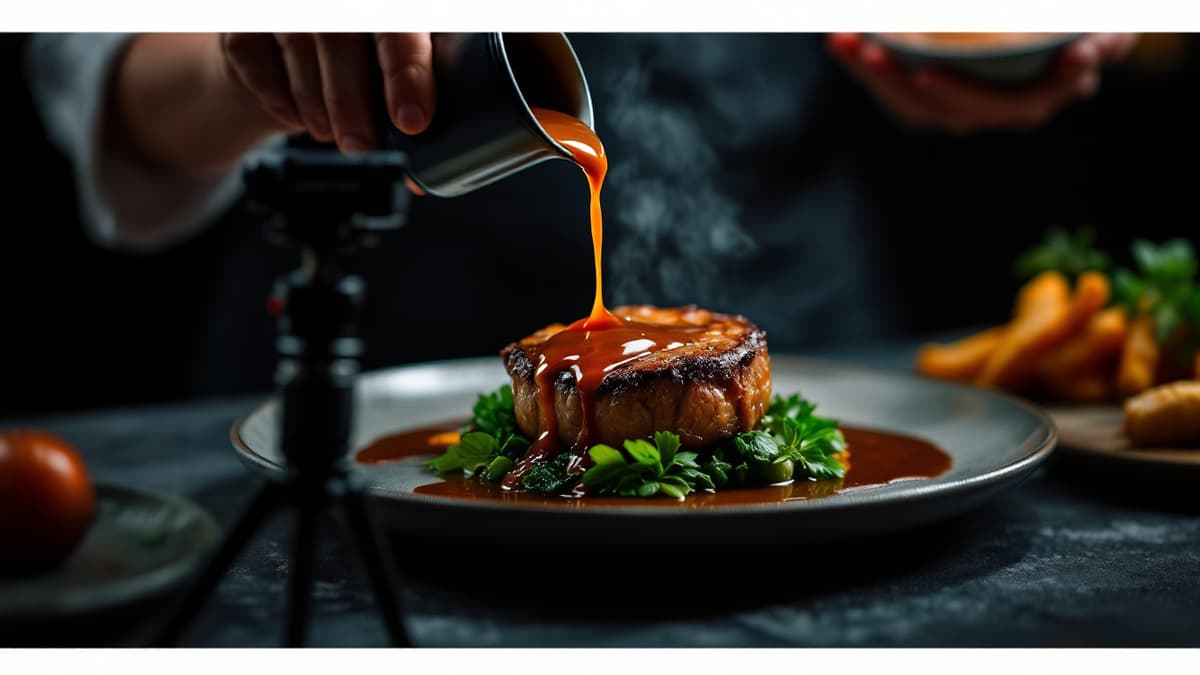
Both beat plain text, but video wins where it counts: appetite. A photo shows the dish; a 10-15 second vertical clip shows the melted cheese stretching, the sauce being poured, the steam moving. Motion communicates freshness and temperature, the two things a still image physically cannot show, and those are precisely the cues that make people hungry. That attention is measurable: in our own beta restaurants on the Costa del Sol (30-day window), guests spend an average of 2 min 52 s in the menu and view 23 dishes per session. A video menu doesn't get skimmed; it gets browsed.
The practical answer isn't "video for everything," though. A sensible rollout looks like this:
- Photos for the whole menu first. Full coverage with decent photos beats video on three dishes and nothing on the rest. A dish with no image at all is the one that gets skipped.
- Video for the top 10-15 dishes: signatures, high-margin mains, desserts, and anything with visual drama (flambé, pouring, pulling, sizzling). That's where the extra push pays for itself fastest, the same logic behind every tactic to increase your average ticket.
- Expand video coverage over time, one or two dishes per week. Two months in, your whole menu moves.
In Disho, dishes with video autoplay in a vertical feed; dishes with only a photo get an automatic Ken Burns effect (a slow cinematic pan-zoom), so the menu never feels half-finished while you build up your library. You can see the mixed format live in the demo menu.
How do you shoot dish videos on a phone?
You don't need a camera, a rig, or an editor. A phone from the last three or four years shoots better food video than most restaurants will ever need. What matters is light, motion, and length:
- Shoot vertical, 9:16. The menu is viewed on a phone held upright; horizontal video wastes half the screen, and cropping later loses quality.
- Use daylight, near a window, phone lamp off. The built-in flash flattens food and casts a yellow tint. Cloudy daylight from the side is the most flattering light a plate can get, and it's free. Shooting at night? One cheap LED panel bounced off a white wall does the job.
- Keep it 10-15 seconds. Long enough for one complete action, short enough that the guest watches to the end. Guests are browsing a menu, not a film festival.
- Capture one motion. Steam rising, cheese pulling, sauce poured over, a knife going through a crust, a fork lifting pasta. One clean action per clip; resist the urge to fit three.
- Fill the frame with the food. Dish at the center, minimal background, camera close. Wipe the plate rim; smears read ten times worse on video than in person.
- Steady the phone. Lean your elbows on the pass, or prop the phone against a stack of plates. A €15 mini tripod is the only "equipment" worth buying.
- Shoot at service temperature. A dish that sat five minutes loses its steam and its gloss. Grab the plate the moment it leaves the pass.
Batch the work: pick one prep-time slot per week, shoot three dishes as they're plated, upload from the same phone. Fifteen minutes a week is genuinely enough.
When does AI generation make sense?
AI is the answer for dishes you can't film right now: seasonal items not yet in production, a new menu launching next week, or simply a Tuesday when nobody has time. From the Disho dashboard you can generate a dish photo for about €0.15 (FLUX 2 Pro, roughly 45 seconds), a dish video for about €2.20 (VEO3 Fast, about 90 seconds), and descriptions at €0.03 per language. It's pay-per-use from a wallet, with no subscription tier to unlock it.
Two honest caveats. First, the description generator sticks to the ingredients you enter and won't invent any. An AI hallucinating shrimp into a dish is an allergy incident waiting to happen. Second, AI output should look like your dish, not a fantasy version of it. Generate from your actual recipe and plating, and replace AI media with a real clip when you get the chance to film. AI is a fast on-ramp, not a way to promise food you don't serve.
What's the technical side of a video menu?
Good video menus follow the same playbook as TikTok. If you're building on a platform, or evaluating one (the setup steps are in how to make a QR menu), check for these:
- Autoplay, muted. Mobile browsers only allow autoplay without sound, and that's what you want anyway. Nobody needs sizzle audio erupting at table 12. Video that requires a tap to play mostly never gets played.
- Poster frames. Each video needs a still image that shows instantly while the clip loads. Without posters, guests scroll past grey boxes on slow café Wi-Fi.
- Smart preloading. The next dish's video should start loading while the current one plays, so scrolling feels instant instead of stuttery.
- Compressed vertical delivery. Clips should be transcoded for mobile, not served as 80 MB camera originals that burn the guest's data plan.
Disho handles all of this out of the box: you upload the clip from your phone and the feed behavior, posters, and compression are automatic. If you're assembling a menu yourself, this list is where DIY solutions usually fall apart.
Which mistakes kill a visual menu?
The worst visual menu is worse than no visuals at all. The failures are predictable:
- Dark, yellow kitchen photos. A dim shot under warm bulbs makes fresh food look like leftovers. If the only photo you have is a bad one, shoot again by a window. Don't publish it.
- Stock images that lie. A guest who orders from a glossy stock burger photo and receives your actual burger feels cheated, says so in reviews, and doesn't come back. Show your real plates or nothing.
- Outdated media. Plating changed, portion changed, garnish changed: reshoot. A 15-second update beats a complaint at the table.
- Cluttered frames. Cutlery, napkins, half the dining room in the background. The dish is the hero; everything else is noise.
- Video on three dishes, blanks everywhere else. Uneven coverage silently steers guests toward the covered dishes. Fine if those are your high-margin picks, a slow leak if they're not. Get photo coverage complete before you polish.
Frequently asked questions
How long should a dish video be? 10-15 seconds: one complete action like steam rising or sauce being poured. Guests browsing a menu watch short clips to the end and scroll past long ones.
Does video really increase the average ticket? The sourced data is about orders and sales: the Grubhub research found up to 70% more orders and up to 65% higher sales for menus with photos, and a Snappr study measured 35%+ more orders on delivery apps from high-quality food photos. The mechanism is simple: visuals reduce order uncertainty and make premium dishes compete on appetite rather than price.
What if I can't film every dish? Start with photos for full coverage, add video to your top 10-15 dishes, and expand weekly. For dishes you can't film, Disho can generate a photo (≈€0.15) or video (≈€2.20) with AI directly from the dashboard, pay-per-use.
Will videos play automatically on guests' phones? Yes, if they're muted. Mobile browsers allow muted autoplay. Disho serves each dish as a vertical 9:16 muted autoplay video with poster frames and preloading, so the menu feels like a TikTok feed rather than a file download.
Build your QR video menu in minutes
Try Disho free during the beta, no card required.
Get started free