
Digital Menu vs Paper Menu: Real Costs, Speed and Guest Experience Compared
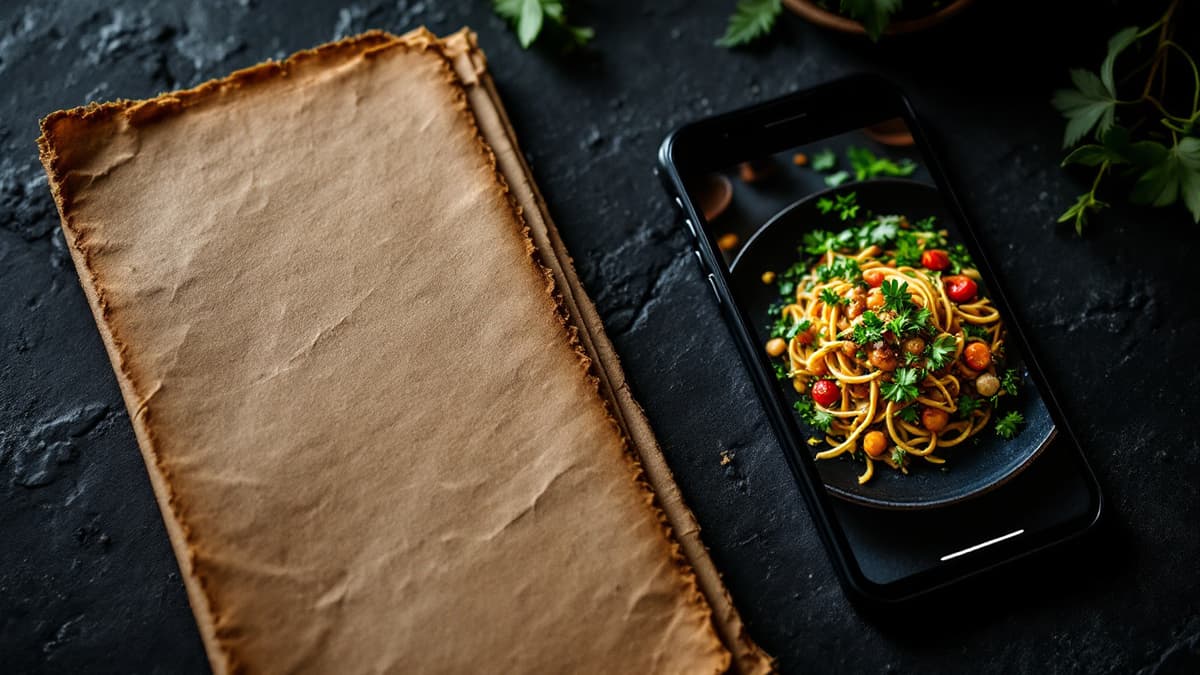
A digital menu costs less over a year, updates in seconds and can show video, take orders and translate itself. A paper menu wins on ambience, works without a phone and never runs out of battery. For most restaurants the right answer is a hybrid: QR as the primary menu, plus a few printed copies for guests who want them. Here is the full comparison with real numbers.
What does a paper menu really cost per year?
A typical 40-60 dish menu with seasonal updates costs €1,800-3,000+ per year in print alone. Each refresh (new layout, a print run of 25-30 copies, professional translations) lands at €500-800, and most restaurants refresh three to four times a year. A digital menu replaces almost all of that with a subscription or, during Disho's beta, with nothing.
Break the paper cycle down for one seasonal refresh:
- Design and layout update: €100-250. Even a small change (new dessert section, price adjustments) means the designer touches every page.
- Printing 25-30 laminated or hardcover menus: €200-400, roughly €8-14 per copy. Cheaper paper exists, but it looks worn within weeks on a busy terrace.
- Professional translation into two extra languages: €150-250 per refresh. In tourist areas you cannot skip this, and every reprint means re-translating the changes.
That is €500-800 per season. Multiply by three or four seasonal menus, add replacements for copies stained with olive oil and red wine, and you are at €1,800-3,000 before you have changed a single price mid-season.
The digital side: Disho is free during beta with no limits on tables, dishes or orders; after beta it is Pro at €40/month with a 3-month trial, which is €480 per year at most. Edits are free and instant, and menu content translates into 12 languages automatically, so the translation line disappears entirely.
Digital menu vs paper menu: side-by-side
The table below summarises the trade-offs. Digital wins on cost, speed, languages and media; paper wins on ambience and independence from the guest's phone.
| Paper menu | Digital (QR) menu | |
|---|---|---|
| Annual cost (40-60 dishes, seasonal updates) | €1,800-3,000+ | €0 in beta; €480/year after |
| Changing a price | Reprint the batch, 3-10 days | Seconds, from any browser |
| Adding or 86'ing a dish | Handwritten note or reprint | One toggle, live immediately |
| Translations | Paid per language, per reprint | 12 languages included |
| Photos and video | Photos rare, video impossible | Vertical 9:16 video per dish |
| Ordering and payment | Through the waiter only | Order and pay from the phone |
| Hygiene | Handled by every guest | Guest touches only their own phone |
| Ambience and tactile feel | Strong: leather, paper stock, weight | Depends on execution |
| Works without a smartphone | Always | Needs the guest's phone |
How fast can you update each menu?
A digital menu updates in under a minute; a paper menu takes days and money. If your fish supplier raises prices on Tuesday, a digital menu reflects it by Tuesday lunch. With paper you either absorb the margin hit until the next print run or cross out prices with a pen, which looks worse than any QR code ever will.
Speed matters most in three everyday situations:
- Running out of a dish. Digitally you hide it in one tap and no waiter has to apologise table after table. On paper, guests keep ordering the sold-out special all night.
- Seasonal switches. Terrace season in May, game season in autumn. A digital menu swaps sections in an afternoon; paper needs the full €500-800 cycle each time.
- Testing. Want to see if "Grilled octopus with smoked paprika" sells better than "Pulpo a la brasa"? Digitally you change the name today and check the dish analytics next week. On paper the experiment costs a reprint.
Which menu gives guests a better experience?
Digital wins for guests who want to see the food, read in their own language, or order without waiting; paper wins for guests who want zero friction with technology. Grubhub's research found that menus with photos and complete information receive up to 70% more orders and up to 65% higher sales than text-only listings. A text-only paper page simply cannot compete with a short video of the steak being sliced.
Concrete differences guests actually notice:
- Seeing the dish. Disho shows each dish as a vertical autoplay video (with a Ken Burns photo fallback), so "catch of the day" stops being a leap of faith. Open the live demo on your phone to feel the difference.
- Language. A German couple in Marbella reads the menu in German without flagging anyone down. Paper menus in four languages become four times the printing cost.
- Ordering and paying. With per-table QR codes, orders arrive in the kitchen tagged with the table, and guests can pay via Apple Pay or Google Pay when they are ready, without waving for the bill. A paper menu ends where the waiter begins.
- The downside. Some guests genuinely dislike pulling out a phone at dinner. Do not fight them; hand them a printed copy. More on the trade-offs in our honest look at the benefits and drawbacks of QR menus.
Is hygiene still an argument for digital menus?
Yes, but it is a background argument now, not the headline it was in 2020. A laminated menu passes through dozens of hands a day and is rarely sanitised between them; a QR code is touched by no one. Post-2020 this stopped being a selling point and became a baseline expectation. Health inspectors and guests alike simply assume a contactless option exists. It is worth one sentence on your website, not a marketing campaign.
When does a paper menu genuinely win?
Paper wins in fine dining, with an older regular clientele, and for single-page daily menus. Being honest about this earns more trust than pretending digital fits everywhere:
- Fine dining and tasting menus. A heavy card handed over by the sommelier is part of the theatre. A phone screen at a 14-course tasting breaks the spell. Keep the printed menu; use QR only for the wine list if it runs to 400 references.
- Older or regular clientele. If 70% of your guests are neighbourhood regulars who order "the usual", forcing them through a QR code adds friction, and goodwill costs more than printing.
- The daily chalkboard. A bistro with five dishes that change every morning needs a chalkboard and ten photocopies, not a platform. A digital menu earns its keep from roughly 15-20 dishes upward, or the moment you need translations or table ordering.
What is the best setup for most restaurants?
Run the QR menu as primary and keep three to five printed copies at the host stand. A hybrid captures the savings without alienating anyone. This is exactly why Disho exports the menu to PDF: you maintain one source of truth in the dashboard, and when you do want paper backups, you print the current PDF instead of paying a designer.
The practical setup takes an afternoon: build the menu once (see what a QR menu is and how it works for the full walkthrough), print the per-table QR codes from the dashboard in one click, export the PDF and print a handful of copies. Since Disho is free during the beta, the experiment costs you the price of laminating five sheets. Compare that against your last invoice from the print shop.
Frequently asked questions
Is a QR menu really cheaper than a paper menu? Yes, by a wide margin over a year. Seasonal paper menus cost €500-800 per refresh (design, printing, translations), which is €1,800-3,000+ annually. A digital menu is €0 during Disho's beta and €480/year after, with unlimited edits and 12 menu languages included.
How much does it cost to print restaurant menus? Expect €8-14 per laminated or hardcover copy for a 40-60 dish menu, so €200-400 for a run of 25-30, plus €100-250 for layout updates and €150-250 for translations. Cheap paper prints cost less but wear out within weeks of daily service.
Do guests actually dislike QR menus? A minority do, typically older guests and diners at formal occasions. The fix is not to abandon digital but to keep a few printed copies available on request. Most guests appreciate seeing dishes on video, reading in their own language and paying without waiting.
Should a fine dining restaurant switch to a digital menu? Usually not for the main menu, where the printed card is part of the experience. Digital makes sense there for long wine lists, translations for international guests, or as a PDF-synced backup so the printed and online menus never drift apart.
Can I have both a digital and a paper menu without maintaining two menus? Yes. Keep the digital menu as the single source of truth and export it to PDF whenever you need printed copies. Disho does this from the dashboard, so a price change updates the QR menu instantly and the next PDF you print.
Build your QR video menu in minutes
Try Disho free during the beta, no card required.
Get started freeRelated articles
Benefits (and Drawbacks) of QR Menus for Restaurants
The real benefits of QR menus — print savings, up to 70% more orders (Grubhub), faster tables — and the honest drawbacks, with fixes. QR menu pros and cons.
QR Menu for Hotels: Room Service, Breakfast and the Pool Bar Without the Phone Call
How a QR menu for hotels fixes room service ordering, feeds multilingual guests, splits breakfast, pool and in-room menus, and upsells with dish video.
QR Menu for Restaurants: How It Works and Why Use One
What is a QR menu and how does a qr code menu work? Setup steps, real costs, honest pros and cons, and when paper is still enough.