
Free QR Menu: What 'Free' Really Means (and How to Get One in 5 Minutes)
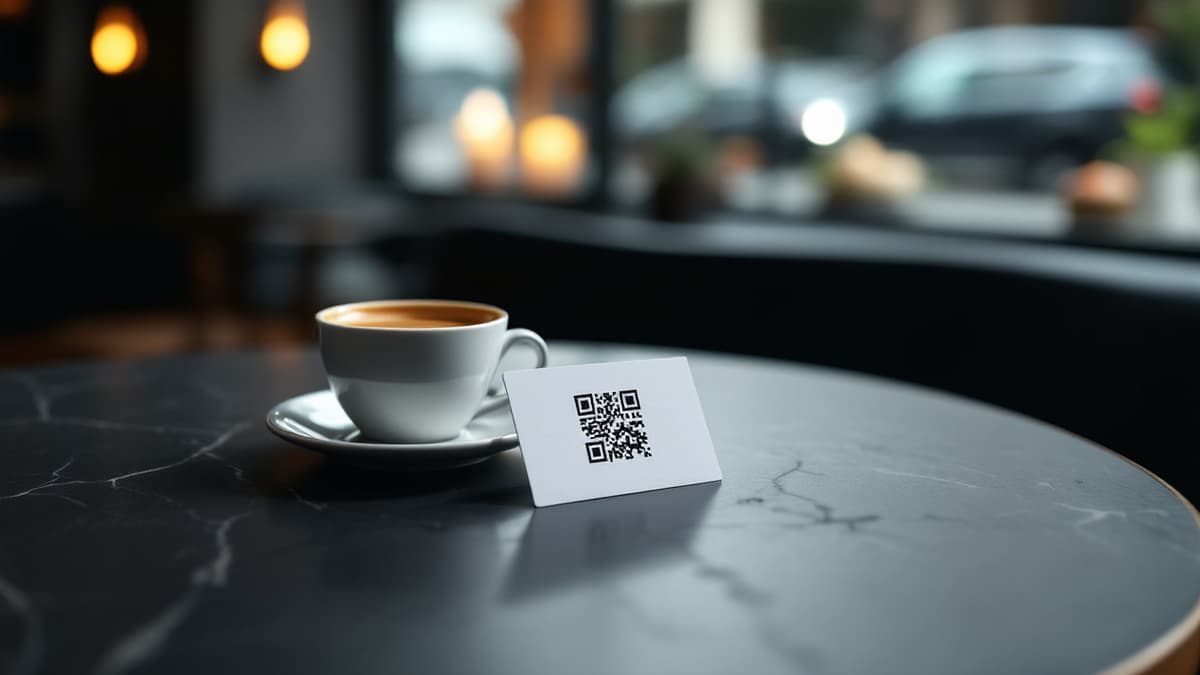
Yes, you can get a free QR menu, but "free" means very different things depending on who is selling it. Some free QR menu generators give you a code that stops working in 14 days. Some freemium plans cap you at 10 dishes. Some are genuinely free. This guide sorts them out honestly, including exactly where Disho's free offer ends and paid begins.
What does "free QR menu" actually mean?
In practice, "free" covers four different products: free QR code generators that link to a static PDF, freemium menu platforms with hard limits, ad-supported or watermarked menus, and genuinely free full platforms. They are not interchangeable. The first is a picture of your menu; the last runs your service.
Here is the honest breakdown:
- Free QR code generator → PDF. Cost €0; you get a phone-sized photo of a paper menu. No ordering, no updates without re-uploading, often no guarantee the link keeps working.
- Freemium menu platforms. A real digital menu, but the free tier caps something that matters (1 menu, 10-25 dishes, no photos, no ordering, or a few hundred scans per month), so a working restaurant outgrows it in week one.
- Watermarked or ad-supported menus. Free forever, but your guests see "Made with X" banners, or worse, third-party ads next to your food.
- Genuinely free full platforms. Everything unlocked, usually because the product is in beta and the company trades free access for feedback. The best deal available, as long as you check what happens when the beta ends (Disho's numbers below).
Still deciding whether you need one at all? Start with the full guide to QR menus for restaurants. This article focuses on getting one without paying.
Do free QR code generators expire?
Many do, and it's the most common trap. A static QR code (the URL is baked into the pixels) never expires. But most free generators quietly create dynamic codes pointing to their redirect server. After the trial, the redirect is disabled and the printed codes on 30 tables show an upsell page instead of your menu.
How to protect yourself:
- Before printing, check whether the URL in the code is your menu's address or the generator's domain (
qr-something.com/r/abc123). Their domain means the code can be turned off remotely. - Read the free tier's terms for "scan limit", "trial", or "dynamic codes expire".
- Prefer platforms where the QR is a plain permanent URL to your own menu page. Disho's per-table codes are exactly that (
/r/your-restaurant/t/12) and they keep working as long as your menu exists, on any plan.
The hidden costs checklist
A free QR menu can still cost you money in six places: reprinting, scan limits, watermarks, missing ordering, missing languages, and data lock-in. Run any "free" offer through this list before you print a single code:
- Reprinting. If updating the menu means generating a new code, every price change costs you printing.
- Scan or view limits. 500 free scans/month sounds like a lot until a busy Saturday: 80 covers × 2-3 scans each burns through it in two weekends.
- Watermarks and ads. "Free" that advertises another brand at your table has a real cost in perceived quality.
- No ordering. A view-only menu still needs a waiter for every order, and self-ordering is where the savings actually come from.
- No translations. In a tourist area, a single-language free menu quietly costs you sales every day.
- Export lock-in. Check you can export your menu (PDF at minimum) if you leave. Retyping 120 dishes is not free.
What does a genuinely usable free QR menu need?
Three things, minimum: instant updates without reprinting codes, guest ordering from the table, and menu translations. Photos and video are what actually move revenue, so treat them as the fourth. If a free plan lacks any of the first three, it's a demo, not a working tool.
Concrete scenarios where the difference shows up:
- Terrace season. In May you add 15 summer dishes and pull the stews. A static PDF code means reprinting 30 table cards; a real platform means one edit, and every printed code updates itself.
- Tourist tables. A German family scans the code and reads the menu in German. On Disho, menu content translates into 12 languages. On most free tiers, translations are the first paid feature.
- The 9 pm rush. Guests order from the phone; the kitchen sees orders in real time with a sound alert. Grubhub's research found that menus with photos and complete information receive up to 70% more orders and up to 65% higher sales than text-only listings, which is why a free plan that strips photos and video is strip-mining your margin.
Is Disho's free plan actually free?
During the beta, yes, completely: unlimited tables, dishes, and orders, video menu, per-table QR codes, real-time kitchen orders, and translations into 12 languages, with no watermark and no card required. And here is the part most "free" pages won't tell you: after the beta, Disho Pro will cost €40/month (with a 3-month trial), and beta accounts keep a permanent discount for joining early.
Two more numbers, because honesty beats fine print:
- Pay at table (Apple Pay / Google Pay via Stripe, money goes straight to your own Stripe account) carries a platform fee of 1.5% + €0.10 per transaction on top of Stripe's fee. It's optional. Menu and ordering work without it.
- AI content generation is pay-per-use, not included in "free": about €0.15 per dish photo, ~€2.20 per dish video, €0.03 per description per language. You can skip it entirely and upload your own photos for €0.
The honest summary: free now with no limits, transparent pricing later, a locked-in discount for beta users. Comparing more broadly? See the rundown of the best QR menu platforms, including where a simpler tool genuinely wins.
How do you launch a free QR menu in 5 minutes?
Sign up, add your dishes, print the per-table codes, scan and test. That's the whole flow. No designer, no print shop, no developer. Step by step:
- Create your restaurant (1 minute). Sign up, enter the name, and your menu URL exists immediately.
- Add sections and dishes (2-3 minutes). Name, price, allergens, photo. Launch with your top 15 sellers today; add the rest later.
- Set up tables and print QR codes (1 minute). Add your table count (the visual floor-plan editor handles multiple rooms) and print all per-table codes from the dashboard in one click.
- Scan and place a test order. Watch it hit the kitchen screen in real time, tagged with the table number.
- Turn on translations if you serve international guests. One toggle per language.
Want to see the end result first? Open the live demo menu on your phone; that's what your guests would see. For a deeper walkthrough with common mistakes, read the guide on how to make a QR menu.
When is a free PDF QR code honestly enough?
If your menu changes once a year, you have no tourist traffic, and waiters take every order anyway, a static PDF behind a free QR code is genuinely fine. A 12-item tasting-menu restaurant doesn't need ordering software. The moment you change prices seasonally, serve guests in several languages, or want orders reaching the kitchen without a waiter, the free PDF stops being free. The cost just moves into reprints and lost orders.
Frequently asked questions
Is a free QR menu really free? It depends on the type. A free QR code pointing to a PDF is truly €0 but only displays a document. Freemium platforms are free until you hit dish, scan, or feature limits. Disho is fully free during beta with no limits; afterwards Pro is €40/month with a 3-month trial, and beta accounts keep a permanent discount.
Do free QR code generators expire? Static codes never expire, but most free generators issue dynamic codes routed through their server. Those can be disabled after a trial or scan limit, breaking every code you've printed. Check whether the encoded URL is your menu's own address before printing.
Can I take orders with a free QR menu? With most free tiers, no. Ordering is usually the first paid feature. On Disho's free beta, table ordering is included: guests order from the phone and the kitchen receives orders in real time, tagged with the table.
Do I need to reprint QR codes when I change the menu? Not on a proper platform: the code points to a permanent URL, so edits appear instantly on every printed code. Reprinting is only needed with static PDF setups.
What's the catch with Disho being free? It's in beta: everything is free with no table, dish, or order limits, but some features are still coming (POS integrations are on the roadmap). Optional extras cost money. Pay-at-table carries a 1.5% + €0.10 platform fee, and AI photo/video generation is pay-per-use.
Build your QR video menu in minutes
Try Disho free during the beta, no card required.
Get started freeRelated articles
Benefits (and Drawbacks) of QR Menus for Restaurants
The real benefits of QR menus — print savings, up to 70% more orders (Grubhub), faster tables — and the honest drawbacks, with fixes. QR menu pros and cons.
QR Menu for Hotels: Room Service, Breakfast and the Pool Bar Without the Phone Call
How a QR menu for hotels fixes room service ordering, feeds multilingual guests, splits breakfast, pool and in-room menus, and upsells with dish video.
QR Menu for Restaurants: How It Works and Why Use One
What is a QR menu and how does a qr code menu work? Setup steps, real costs, honest pros and cons, and when paper is still enough.