
Best QR Menu Platforms in 2026: How to Actually Choose One
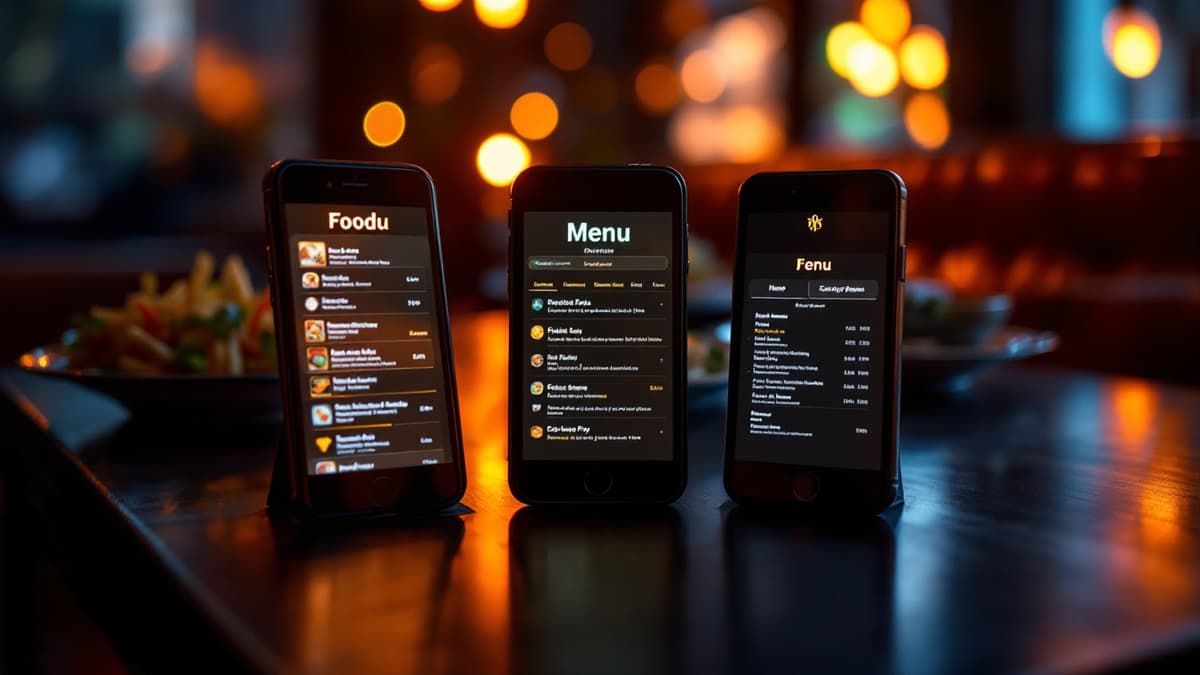
Search for the best QR menu platform and you'll find a dozen listicles ranking tools their authors have never run a Friday service on. The honest answer: there is no single best QR menu app in 2026, only the right category of tool for your restaurant, and within a category the differences are smaller than the marketing suggests. This qr menu software comparison works the other way around. First the criteria that matter, then the market by category, then where our own product, Disho, fits, including who should not pick it.
Which criteria actually matter when choosing a QR menu platform?
Seven things separate a QR menu you'll still be using next year from one you'll quietly abandon: live updates, ordering and payment, media support, languages, per-table codes, analytics, and the real cost hidden behind "free". Everything else (fonts, themes, badge colors) is decoration.
Updates without reprinting. This is the whole point of going digital. If the platform generates a QR that points to an uploaded PDF, every price change means re-exporting, re-uploading and sometimes re-printing a new code. A real platform lets you edit a price or mark a dish sold out from a dashboard, and the change is live before the next guest scans. Fail this test, and nothing else matters.
Ordering and payments. A menu guests can only read saves you printing costs and nothing more. A menu guests can order and pay from saves labor: no flagging down a waiter to order a second round, no waiting ten minutes for the card machine. Check that ordering is native, not a bolted-on form, and that payment supports Apple Pay and Google Pay, because typing card numbers on a phone kills conversion.
Media support. Grubhub's research found that menus with photos and complete information receive up to 70% more orders and up to 65% higher sales than text-only listings. But "supports photos" is a low bar. Does it handle vertical 9:16 video, the format people already scroll all day? Does media load fast on a busy terrace with weak signal?
Languages. If you serve tourists, a menu only in your local language means your staff spends service translating "what is croquetas" table by table. Look for automatic translation of menu content (dishes, descriptions, categories), not just a translated app interface.
Per-table QR codes. One generic code for the whole room means orders arrive untagged and staff plays "who ordered the ribs?" A unique code per table ties every order to its table automatically. Bonus points if it prints all table codes in one click.
Analytics. Your menu is the one piece of marketing every guest reads. A good platform tells you top dishes, average ticket, and order volume by hour: enough to kill dead dishes and push high-margin ones.
The real cost of "free". Free tiers exist to convert you. Read what's actually gated: dish limits (30 dishes free, your menu has 45), watermarks and vendor branding on your menu, ads served to your guests, or ordering locked behind the paid plan. More detail in our guide to free QR menus and what they really cost.
What types of QR menu software are on the market?
The market splits into four categories: free QR generators, freemium menu builders, full ordering platforms, and POS-bundled menus. Comparing tools across categories is how people end up disappointed. A €0 PDF generator and a full ordering suite aren't competitors. Compare within the category that matches your ambition.
Free QR code generators. These turn any link, usually your PDF menu, into a QR code. Strengths: genuinely free, done in five minutes, no account needed. Weaknesses: the QR is all you get. No editing without regenerating, no ordering, no analytics, and some "free" generators expire your code after a trial, bricking every printed sticker on your tables. Who they fit: a food truck with five items, a pop-up, or anyone testing whether guests will scan at all before investing anything.
Freemium menu builders. Web tools where you build an interactive menu and get a QR to it. Strengths: real live editing, decent-looking menus, low or zero entry price. Weaknesses: ordering and payment are usually absent or paywalled, media is photo-centric, and the free tier typically carries the vendor's branding and limits. Who they fit: restaurants that want a proper digital menu guests browse, but where ordering still goes through the waiter. A reasonable, common setup.
Full restaurant ordering platforms. The menu is the storefront of a complete flow: scan, browse, order, pay at the table, order hits the kitchen in real time. Strengths: this is where the labor savings and ticket lift actually materialize; guests order the second beer the moment they want it. Weaknesses: more setup (tables, payment account, kitchen screen), a monthly price, and staff need a short onboarding. Who they fit: sit-down restaurants, terraces and beach clubs where waiter round-trips are the bottleneck, and tourist venues where guests prefer ordering in their own language. Disho is in this category.
POS-bundled menus. Point-of-sale suites (Toast, Square and similar) often include a QR menu module. Strengths: everything lives in one system, so menu, orders, tills and inventory stay in sync without extra work. Weaknesses: the menu is rarely the star; these modules tend to be functional but plain, and you adopt (and pay for) the whole ecosystem to get one. Who they fit: restaurants already running that POS, or opening new and choosing an all-in-one stack from day one. Check what your POS's menu module offers before shopping elsewhere.
Where does Disho fit, and who should skip it?
Disho is a full ordering platform with one deliberate bet: video-first menus. Every dish is a vertical 9:16 autoplay video (TikTok-style feed; Ken Burns photo fallback where there's no video), plus per-table QR ordering, real-time kitchen tickets, and pay-at-table via Apple Pay and Google Pay with money going straight to your own Stripe account.
The transparent facts: free during the beta with no limits on tables, dishes or orders; after beta it's Pro at €40/month with a 3-month trial, and beta accounts keep a permanent discount. Payments carry a platform fee of 1.5% + €0.10 per transaction on top of Stripe's fee. Menu content translates into 12 languages automatically. If you have no food footage, you can generate it from the dashboard: a dish photo costs about €0.15, a video about €2.20, pay-per-use. Judge the format yourself in the live demo. The menu is the product.
Now the part most comparisons skip, who should not pick Disho:
- You need deep POS integration today. Disho has no POS integrations yet (iiko, R-Keeper, Toast and Square are on the Pro roadmap). If your operation depends on orders flowing into an existing POS right now, a POS-bundled menu is the pragmatic choice.
- Your menu is one page and never changes. A tasting-menu restaurant that reprints twice a year gets little from live editing and video. A well-designed paper card, or a free generator pointing at a clean PDF, is genuinely enough, as we say in our digital menu vs paper menu comparison.
- Your clientele won't scan. If your regulars prefer paper and personal service, forcing QR-only ordering costs goodwill. Keep paper primary (Disho exports the menu to PDF, for what it's worth) or skip digital entirely.
For the fundamentals on how per-table codes, ordering and payment work end to end, start with our guide to QR menus for restaurants.
How do you test a platform before committing?
Run a 20-minute test per shortlisted tool: open its demo menu on your own phone on mobile data, not Wi-Fi; add three real dishes with photos; change a price and confirm it updates live; place a test order and time how it reaches the "kitchen". Then tape a code to one table for one weekend service and watch real guests use it. One service of real behavior beats any comparison table, including this one.
Frequently asked questions
Which QR menu platform is free? Free QR generators are fully free but only link to a static file. Most menu builders and ordering platforms have free tiers with limits: dish caps, vendor branding, or ordering paywalled. Disho is free during its beta with no limits; after beta it's €40/month with a 3-month trial.
Do I need a POS integration? Only if orders must flow into an existing POS automatically. Many restaurants run a QR ordering platform alongside the POS, with the kitchen working from the platform's real-time order screen. If deep integration is non-negotiable, choose a POS-bundled menu, since Disho's integrations are still on the roadmap.
Is a PDF menu behind a QR code good enough? For a short, stable menu, yes, honestly. It fails when prices change often, when you want photos and video that sell, or when guests should order and pay from the phone. A PDF can't take an order.
What should a QR menu platform cost in 2026? Free tiers cover read-only menus with limits; paid plans commonly land in the tens of euros per month, plus payment fees if guests pay online. Weigh that against one waiter-hour saved per day and the up to 65% higher sales the Grubhub research ties to menus with photos and complete information.
Does video really matter in a menu, or is it a gimmick? A Snappr study of restaurant delivery apps measured 35%+ more orders and around 25% higher menu conversion from high-quality food photos. Video shows texture, portion size and steam in a way photos can't. Scan the demo and decide in 30 seconds whether it would work on your guests.
Build your QR video menu in minutes
Try Disho free during the beta, no card required.
Get started freeRelated articles

Benefits (and Drawbacks) of QR Menus for Restaurants
The real benefits of QR menus — print savings, up to 70% more orders (Grubhub), faster tables — and the honest drawbacks, with fixes. QR menu pros and cons.
QR Menu for Hotels: Room Service, Breakfast and the Pool Bar Without the Phone Call
How a QR menu for hotels fixes room service ordering, feeds multilingual guests, splits breakfast, pool and in-room menus, and upsells with dish video.
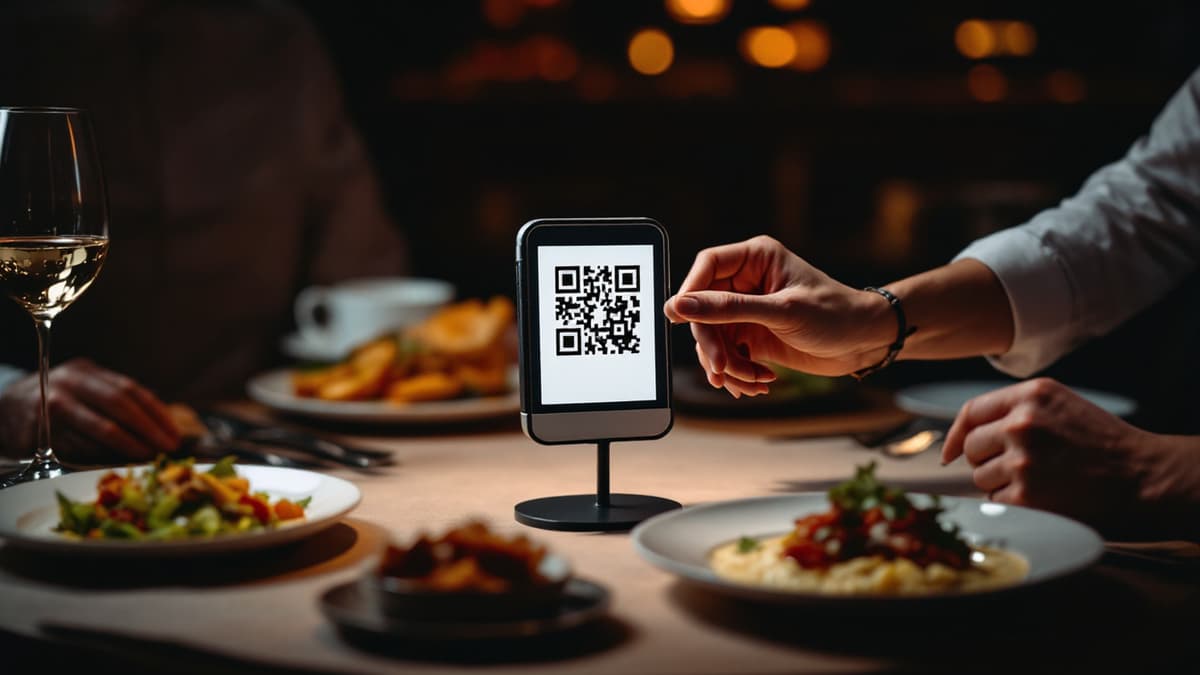
QR Menu for Restaurants: How It Works and Why Use One
What is a QR menu and how does a qr code menu work? Setup steps, real costs, honest pros and cons, and when paper is still enough.