
Restaurant Menu Translation: How to Build a Multilingual Menu That Sells
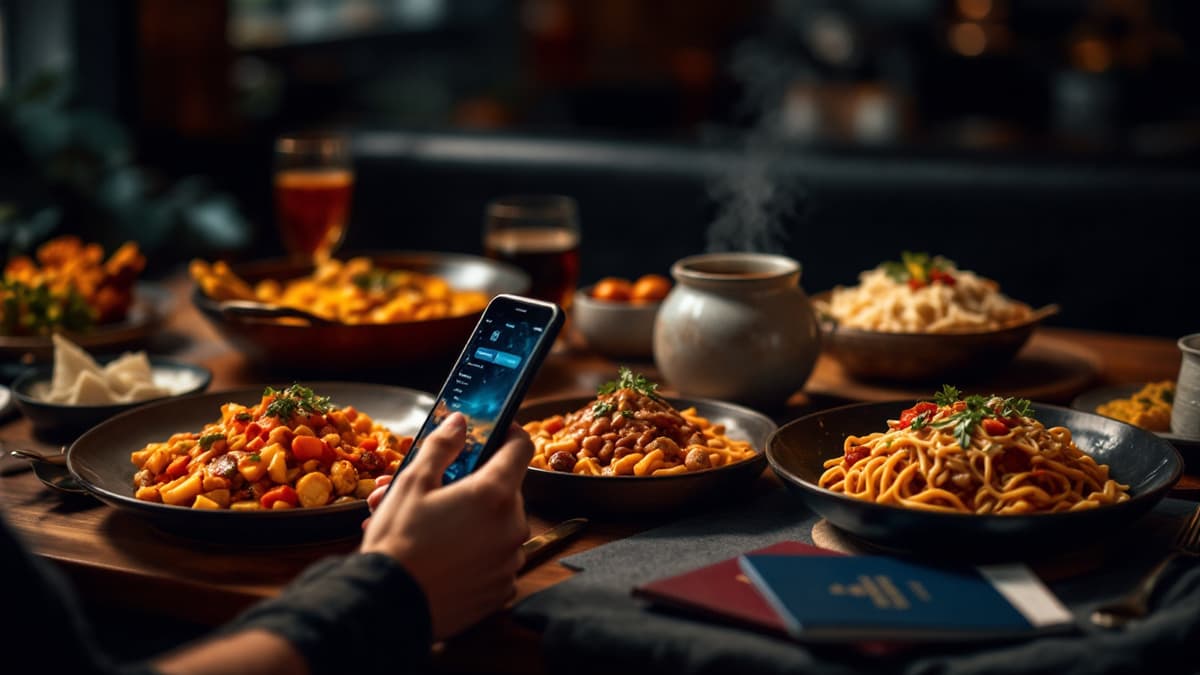
A tourist opens your menu, reads "octopus to the party" and "he/she came in a bottle", laughs, takes a photo for Instagram, then orders the one thing they recognize: fries and a Coke. That order is €18 of lost ticket. Restaurant menu translation isn't a nice-to-have in a tourist market; it's the difference between guests ordering confidently and guests ordering defensively.
What does a bad menu translation actually cost?
A badly translated menu costs you in three ways: lower average ticket (guests default to "safe" dishes they recognize), slower tables (staff spend 5-10 minutes per table explaining dishes), and real liability when allergen information is wrong. In a seaside town with 60-80% foreign guests, that adds up every single service.
Run the numbers for a 40-cover terrace in high season. If confused guests skip the starter and the second glass of wine because they can't decode the menu, you lose €8-12 per cover. Over 100 covers a day, that's a four-figure weekly hole, invisible on any report, because nobody logs "didn't order the pulpo because the English made no sense".
The classics are funny until they're yours: pulpo a feira as "octopus to the party", vino en botella as "he/she came in a bottle" (the engine mistook the noun for a verb), the Chinese restaurant that printed "Translate server error" as a dish name. Word salad tells guests one thing: nobody checked this, so don't trust the prices or the allergens either.
And allergens are where it stops being funny. "Frutos secos" mistranslated as "dried fruit" instead of "nuts" is a trip to the emergency room. "Lactose-free" confused with "dairy-free" is a sick guest and a one-star review that mentions your restaurant by name. If you translate only one part of your menu professionally, make it the allergen labels.
What should you translate, and what should stay in the original?
Translate descriptions, ingredients, allergen labels, cooking methods and section names. Keep the proper names of dishes in the original language, followed by a short gloss: guests want to order "Rabo de toro", not "Bull's tail stew", but they need one line telling them what it is.
A practical split that works:
- Keep original: dish names with an identity, like paella, rabo de toro, borscht, cacio e pepe, salmorejo. Guests came for these; the original name is part of the experience, and waiters hear it correctly when ordered.
- Translate fully: the description under the name. "Slow-braised oxtail in red wine, served with potato purée" answers the real questions: what is it, how is it cooked, will I like it.
- Translate obsessively: allergens and dietary labels. Nuts, gluten, shellfish, lactose, halal. These must be exact in every language you offer.
- Localize, don't translate: measures and terms. "Ración / media ración" needs an explanation ("full portion / half portion for sharing"), not a literal rendering. Weight in grams travels better than "a quarter pound".
The anti-pattern is the exact opposite: a literally translated name over an untranslated description. "Old clothes" (ropa vieja) with Spanish-only text helps nobody.
Machine, professional, or AI with context: which translation should you use?
Raw machine translation is fine for a draft and dangerous as a final product. Professional translators are excellent but slow and expensive for a menu that changes weekly. AI translation with context, where the engine sees your actual ingredients and dish data, is the practical middle: near-human quality on descriptions at near-zero cost, with a human check on allergens.
How the three compare in practice:
- Machine translation (paste into Google Translate). Free and instant, but it translates words, not dishes. It has no idea vino here is a noun on a wine list, not the verb "came". Acceptable for getting a rough draft; never publish it unreviewed.
- Professional translator. The gold standard for a fixed menu. A good gastronomy translator knows that albondigas are meatballs and that Germans expect allergens coded A-N. Realistic cost: €0.08-0.12 per word; a 60-dish menu into five languages runs €400-900 and takes a week or two. Painful if you change the menu every season, impossible if you change it weekly.
- AI with context. Modern models translate a dish correctly when they see the whole dish (name, ingredients, method), not an isolated string. The critical requirement: the system must stick to your input and never invent ingredients. A hallucinated "touch of cream" in a vegan dish is worse than no translation.
The sane workflow for most restaurants: AI translation from structured dish data for everything, plus a native-speaker read-through (a bilingual waiter over one coffee) for your top two guest languages, plus a rigorous manual check of every allergen label. Total effort: an afternoon, not a month.
How does a multilingual menu work in a QR menu like Disho?
In Disho, your menu content translates into 12 languages (Russian, English, Spanish, French, German, Polish, Czech, Slovak, Lithuanian, Italian, Belarusian and Ukrainian), with translations managed per dish, so a new special doesn't force you to re-do the whole menu. One QR code serves every language; the guest picks theirs at the top of the menu.
Details that matter day to day:
- Per-dish translations. Add tomorrow's special, translate that one dish, done. On paper, one new dish means reprinting the multilingual menu in every language, which is why paper menus in five languages are always out of date somewhere.
- AI descriptions at €0.03 per language. Generated from your dish data, and constrained to it: the model doesn't invent ingredients you didn't list. A 50-dish menu into five extra languages costs about €7.50, versus hundreds for human translation.
- Guests never see a half-translated menu. A language is only offered in the language picker once it's actually translated. No English page with Spanish paragraphs mid-menu, the credibility killer of DIY translations.
- Paper backup stays in sync. Export the menu to PDF for a printed copy in whichever language you still want on paper.
If you serve a market like the Costa del Sol, where a single lunch service can seat British, German, French and Scandinavian tables, this is the whole game; we've written a dedicated guide on QR menus for Marbella restaurants. That multilingual reality is measured, not hypothetical: in our own beta restaurants on the Costa del Sol (30-day window), guests' device languages span 30+ locales (English, Russian, Spanish, Ukrainian and German lead) and guests come from 25+ countries in a single month. You can see the language switch live on the demo menu: switch to German or French and every dish follows.
Why is video the one menu language that needs no translation?
A 5-second vertical video of the dish communicates portion size, ingredients, texture and plating to every guest in every language instantly. No translation, no ambiguity, no "is it spicy-looking?". Text tells; video shows. For international guests, showing beats telling every time.
This is Disho's core format: each dish is a 9:16 autoplay video (TikTok-style), with a Ken Burns photo fallback when you haven't filmed one yet. A Japanese tourist who reads neither Spanish nor English can still see exactly what salmorejo is (a cold, creamy, orange-pink soup with ham shavings) and order it with confidence. Grubhub's research found that menus with photos and complete information receive up to 70% more orders and up to 65% higher sales than text-only listings, and the effect is strongest exactly where translation is weakest: foreign guests. More on filming dishes in our guide to menus with photos and video.
Translation and video are layers, not alternatives: video answers "what is it?", the translated description "what's in it?", allergen labels "can I eat it?". A menu that answers all three in the guest's own language gets generous orders.
Frequently asked questions
How many languages should a restaurant menu be translated into? Match your guest mix: cover the top 3-5 tourist nationalities plus English as a fallback. On a digital menu an extra language costs minutes and cents, so err on the side of more, but only publish languages that are fully translated.
Is Google Translate good enough for a restaurant menu? As a first draft, yes; as a published menu, no. It translates words without context, not dishes. Have a native speaker review anything you publish, and never trust it alone for allergen labels.
Should I translate the names of traditional dishes? No. Keep names like paella, rabo de toro or borscht in the original and add a one-line translated gloss underneath. The original name is part of the appeal and avoids confusion when guests order; the gloss does the explaining.
How does Disho handle menu translation? Menu content translates into 12 languages (RU, EN, ES, FR, DE, PL, CS, SK, LT, IT, BE, UK), managed per dish. AI-generated descriptions cost €0.03 per language and stick strictly to your listed ingredients. Languages that aren't fully translated are simply not offered to guests.
What about allergens in translated menus? Treat allergen labels as the highest-stakes text on your menu. Translate them from a fixed, verified glossary, never free-form, and have them checked by a fluent speaker. A wrong allergen translation is a health risk and a legal one, not just an embarrassing photo.
Build your QR video menu in minutes
Try Disho free during the beta, no card required.
Get started freeRelated articles
Benefits (and Drawbacks) of QR Menus for Restaurants
The real benefits of QR menus — print savings, up to 70% more orders (Grubhub), faster tables — and the honest drawbacks, with fixes. QR menu pros and cons.
QR Menu for Hotels: Room Service, Breakfast and the Pool Bar Without the Phone Call
How a QR menu for hotels fixes room service ordering, feeds multilingual guests, splits breakfast, pool and in-room menus, and upsells with dish video.
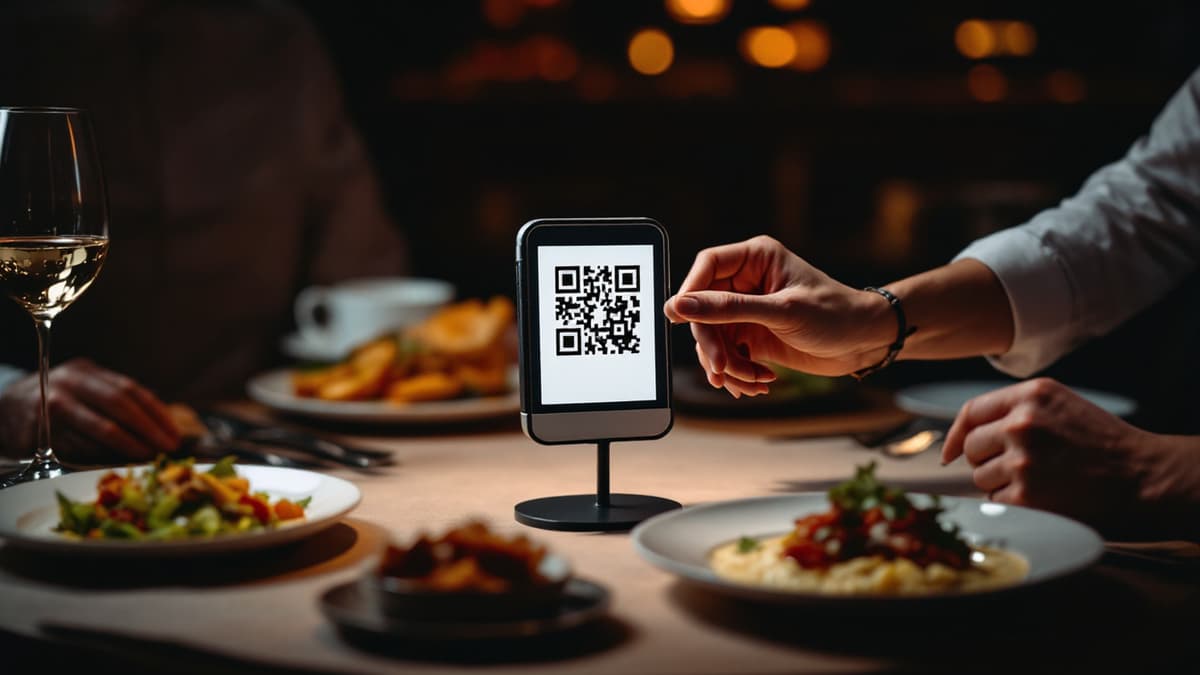
QR Menu for Restaurants: How It Works and Why Use One
What is a QR menu and how does a qr code menu work? Setup steps, real costs, honest pros and cons, and when paper is still enough.